
What AI 402 Pay Enables
AI 402 Pay for Autonomous Agent Billing works best as a clear sequence: define the constraint, compare the realistic options, test the tradeoff, and choose the path with the fewest hidden costs. That order keeps the advice usable instead of decorative. After each step, pause long enough to check whether the recommendation still fits the reader's actual situation. If it depends on perfect timing, unusual access, or a best-case budget, include a simpler fallback.
The simplest way to use this section is to keep the setup small, verify each change, and record the stable configuration before adding optional accessories.
Prepare Your API for 402 Responses
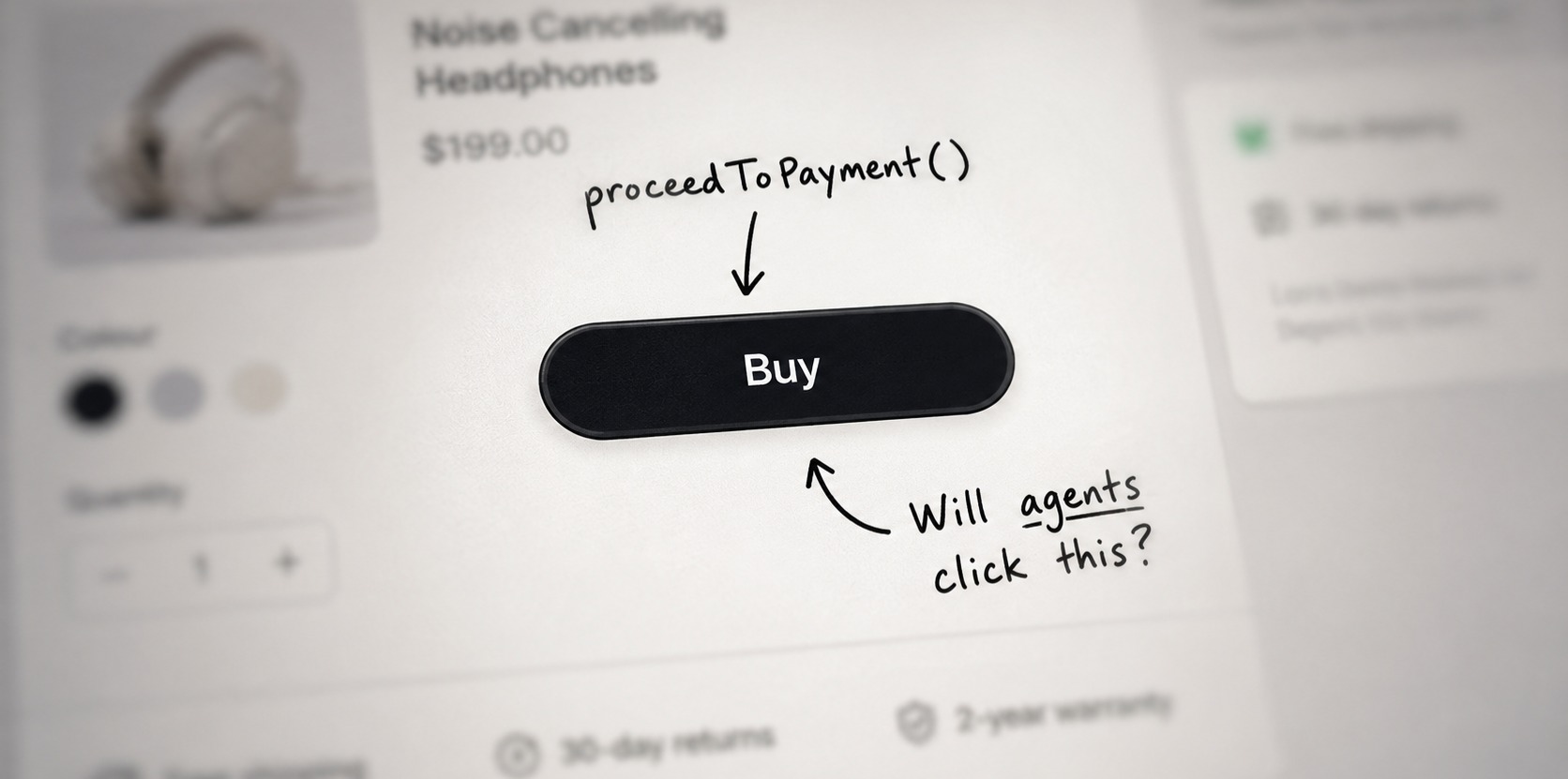
To enable autonomous billing, your server must first understand the language of machine commerce. The x402 protocol relies on standard HTTP mechanics, but it requires specific header logic to bridge the gap between a software request and an onchain payment. This preparation involves configuring your endpoints to recognize payment intents and responding with the correct 402 status code when a transaction is missing or invalid.
This setup is the foundation for any AI agent attempting to interact with your API. Without these configurations, agents will receive generic errors instead of payment prompts, breaking the automated billing flow. The following steps outline the technical sequence for configuring your server to support this protocol.
402 Payment Required
rather than a standard
403 Forbidden
or
401 Unauthorized
. This tells the agent that the resource is accessible, but only after a transaction is completed.
Payment
or
Authorization
, depending on your implementation. These headers should contain the transaction hash, signature, or proof of stablecoin transfer on the blockchain. Ensure your API parser can read these headers and validate them against your configured wallet or smart contract before granting access.
402
, it should also include metadata in the response body or headers that specifies the required payment amount, the accepted currency (e.g., USDC, ETH), and the destination wallet address. This metadata allows the agent to construct the correct transaction. After the agent submits the payment proof via the defined headers, your server validates the transaction on-chain and returns the requested data with a
200 OK
status.


As an Amazon Associate, we may earn from qualifying purchases.
By implementing these three steps, you transform a static API endpoint into an autonomous billing node. This configuration ensures that AI agents can interact with your services seamlessly, paying only for what they consume. Always test this flow in a sandbox environment first to verify that your server correctly parses payment headers and validates onchain proofs before exposing the endpoint to production traffic.
Integrate the Payment Facilitator
AI 402 Pay for Autonomous Agent Billing works best as a clear sequence: define the constraint, compare the realistic options, test the tradeoff, and choose the path with the fewest hidden costs. That order keeps the advice usable instead of decorative. After each step, pause long enough to check whether the recommendation still fits the reader's actual situation. If it depends on perfect timing, unusual access, or a best-case budget, include a simpler fallback.



Handle Payment Failures and Retries
Autonomous agents operate without a human operator to manually approve transactions, making payment failures a critical point of failure. When an AI agent encounters an HTTP 402 status code indicating insufficient funds or a declined transaction, it must resolve the issue without freezing the service or incurring unnecessary costs. Effective error handling requires a structured approach to retry logic, security verification, and resource management.
Implement Exponential Backoff Retries
Do not retry failed payments immediately. Immediate retries often fail because the underlying issue—such as a temporary blockchain congestion or a wallet balance delay—has not yet resolved. Instead, implement exponential backoff logic. Start with a short delay (e.g., 1–2 seconds) and double the wait time for each subsequent attempt (2s, 4s, 8s). This prevents your agent from spamming the payment gateway and reduces the risk of rate-limiting.
Set a maximum retry limit (typically 3–5 attempts) and a global timeout. If the payment fails after the maximum retries, the agent should abort the request and return a clear error message to the consumer. This ensures that resources are not wasted on unpayable requests and allows the system to log the failure for human review.
Verify Security Before Re-attempting
Before retrying a payment, the agent must re-verify the transaction context. Payment failures can sometimes indicate security threats, such as a compromised wallet or a malicious request designed to drain funds. Re-check the sender’s identity, the request signature, and the validity of the payment credentials.
If the security check fails, do not retry. Instead, block the request and flag the session for investigation. If the security check passes, proceed with the next retry attempt. This step is essential for preventing service abuse and ensuring that only legitimate requests are processed.
Manage Resource States During Failures
When a payment fails, the agent’s state must reflect the transaction status. If the request was a non-idempotent operation (e.g., a unique data generation task), the agent should discard any partial results to avoid storing unpaid-for data. For idempotent operations (e.g., data retrieval), the agent can cache the result if the payment is eventually resolved, but it should not commit the data to permanent storage until payment is confirmed.
Always log the failure reason, the retry count, and the final outcome. This data is critical for debugging and for tuning your retry parameters. If failures are frequent, it may indicate a pricing issue, a wallet configuration error, or a broader network problem that requires immediate attention.
Common AI 402 Implementation Errors
Even with a clear path to deployment, developers frequently stumble on the technical specifics of the HTTP 402 protocol. These missteps often prevent AI agents from completing transactions or cause silent failures in billing logic. Understanding these pitfalls is essential for maintaining the autonomy that makes 402 valuable.
Incorrect Header Formatting
The HTTP 402 standard relies on precise header structures, particularly the Pay header. A common error is formatting the header value incorrectly, such as omitting the required cbor or url parameters. If the header does not match the expected CBOR-encoded payload structure, the receiving server will reject the request with a standard 402 status code, but the agent will not know how to retry or resolve the payment. Ensure your implementation strictly follows the x402 specification for header construction.
Missing Facilitator Signatures
In many 402 implementations, a third-party facilitator is required to verify the transaction or hold funds in escrow. Developers often forget to include the facilitator's digital signature in the payment payload. Without this signature, the agent cannot prove that the payment was authorized and verified by a trusted entity. This leads to immediate rejection by the API provider, effectively breaking the autonomous billing loop. Always verify that your agent includes all necessary cryptographic proofs in the request body.
No comments yet. Be the first to share your thoughts!